Core Loop & States
Implementing a Finite State Machine
A finite state machine, often shortened to FSM, is a clear way to describe what an entity is doing right now and what can make it change behaviour. This tutorial uses an enemy with Idle, Patrol, Chase, and Attack states, then builds up from a quick enum prototype to a reusable MonoGame-friendly implementation.
Download the runnable sample project
Use the verified ZIP bundle for this article to review the extracted example files, run the sample host, and repackage the sources without bin or obj folders.
What is a finite state machine?
An FSM says that an entity can be in exactly one state at a time. An enemy might be idle while waiting, patrol along a route, chase the player when close enough, and attack when in range. Each state owns the behaviour for that mode, and transitions decide when the entity moves to another state.
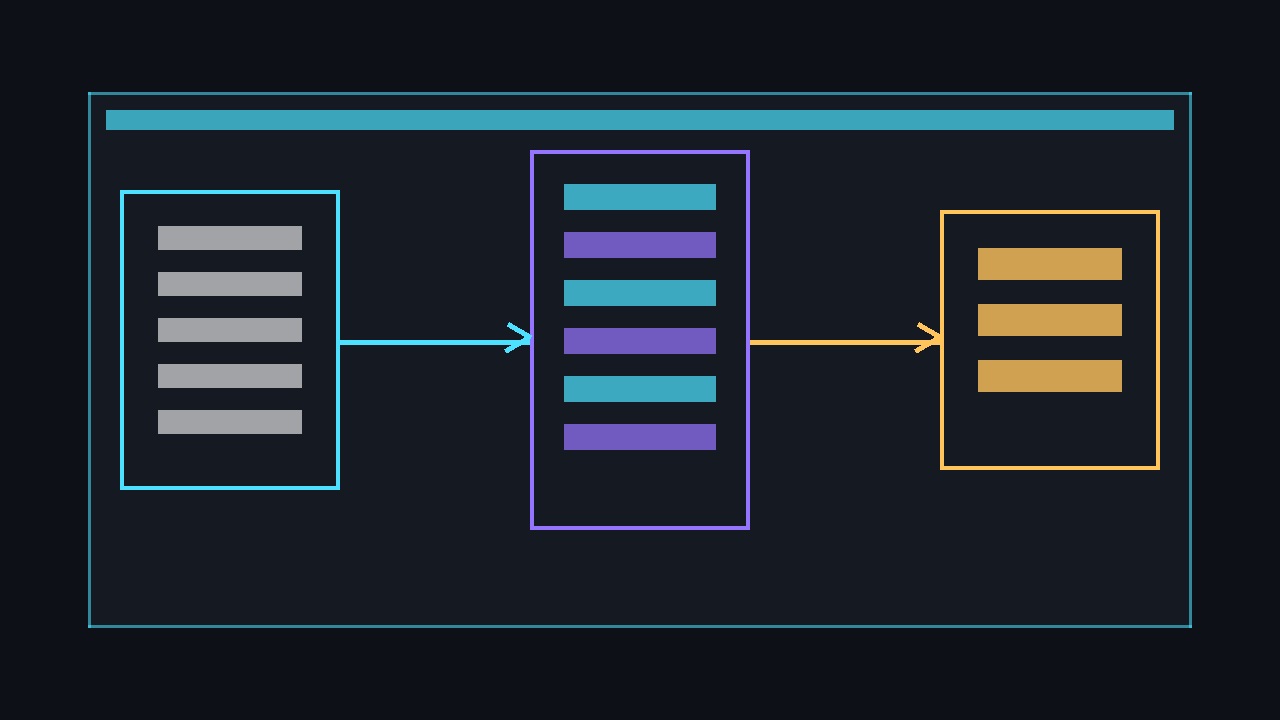
💡 Use an FSM when behaviour is naturally described as a small set of named modes. It keeps your Update method readable and makes each behaviour easier to test in isolation.
The naive enum and switch approach
The quickest version is an enum plus a switch. This is excellent for learning and for very small entities, but the approach becomes awkward as each case grows and starts sharing timers, movement code, animation triggers, and transition checks.
using Microsoft.Xna.Framework;

public enum EnemyState
{
    Idle,
    Patrol,
    Chase,
    Attack
}

public class Enemy
{
    private EnemyState _state = EnemyState.Idle;
    private Vector2 _position;
    private Vector2 _playerPosition;
    private float _idleTimer;

    public void Update(GameTime gameTime)
    {
        float dt = (float)gameTime.ElapsedGameTime.TotalSeconds;
        float distanceToPlayer = Vector2.Distance(_position, _playerPosition);

        switch (_state)
        {
            case EnemyState.Idle:
                _idleTimer += dt;
                if (_idleTimer >= 1.5f)
                {
                    _idleTimer = 0f;
                    _state = EnemyState.Patrol;
                }
                break;

            case EnemyState.Patrol:
                Patrol(dt);
                if (distanceToPlayer < 220f)
                    _state = EnemyState.Chase;
                break;

            case EnemyState.Chase:
                MoveTowards(_playerPosition, 160f, dt);
                if (distanceToPlayer < 40f)
                    _state = EnemyState.Attack;
                else if (distanceToPlayer > 280f)
                    _state = EnemyState.Patrol;
                break;

            case EnemyState.Attack:
                if (distanceToPlayer > 55f)
                    _state = EnemyState.Chase;
                break;
        }
    }

    private void Patrol(float dt) { }
    private void MoveTowards(Vector2 target, float speed, float dt) { }
}
⚠️ Caution: A switch-based FSM is not wrong. The danger is letting it grow into one huge method where every state can accidentally modify every other state's private data.
The main downsides are:
- State logic is tangled. Patrol movement, chase decisions, and attack timing all live in one method.
- Enter and exit behaviour is easy to forget. Resetting timers or changing animations gets repeated in several cases.
- Testing is harder. You cannot run a state independently without constructing the whole enemy and its switch.
A clean object-oriented FSM
A cleaner approach gives each state its own class. The base State type exposes Enter, Update, and Exit. The StateMachine owns the current state and guarantees that leaving and entering happen in the right order.
using Microsoft.Xna.Framework;

public abstract class State
{
    public virtual void Enter() { }
    public abstract void Update(GameTime gameTime);
    public virtual void Exit() { }
}

public sealed class StateMachine
{
    private State _currentState;

    public State CurrentState => _currentState;

    public void ChangeState(State newState)
    {
        if (newState == null || ReferenceEquals(_currentState, newState))
            return;

        _currentState?.Exit();
        _currentState = newState;
        _currentState.Enter();
    }

    public void Update(GameTime gameTime)
    {
        _currentState?.Update(gameTime);
    }
}
With this structure, IdleState owns idle timing, PatrolState owns patrol movement, and ChaseState owns chase logic. Your enemy becomes the shared context that states read from and act upon.
using Microsoft.Xna.Framework;

public sealed class IdleState : State
{
    private readonly Enemy _enemy;
    private float _timer;

    public IdleState(Enemy enemy)
    {
        _enemy = enemy;
    }

    public override void Enter()
    {
        _timer = 0f;
        _enemy.Velocity = Vector2.Zero;
    }

    public override void Update(GameTime gameTime)
    {
        _timer += (float)gameTime.ElapsedGameTime.TotalSeconds;

        if (_timer >= 1.5f)
            _enemy.StateMachine.ChangeState(_enemy.PatrolState);
    }
}
⚠️ Warning: Do not allocate new state objects every frame. Create the state instances once, usually in the entity constructor, and reuse them when calling ChangeState.
A reusable generic state machine
When several entity types need state machines, a generic StateMachine<T> avoids repeating the same plumbing. The owner type T is the entity being controlled, and a dictionary stores named states. Transitions can be registered as functions so the machine can decide what to do during Update.
using System;
using System.Collections.Generic;
using Microsoft.Xna.Framework;

public abstract class State<T>
{
    protected State(T owner)
    {
        Owner = owner;
    }

    protected T Owner { get; }
    public virtual void Enter() { }
    public abstract void Update(GameTime gameTime);
    public virtual void Exit() { }
}

public sealed class StateMachine<T>
{
    private readonly T _owner;
    private readonly Dictionary<string, State<T>> _states = new Dictionary<string, State<T>>();
    private readonly Dictionary<string, List<Transition>> _transitions = new Dictionary<string, List<Transition>>();
    private string _currentKey;

    public StateMachine(T owner)
    {
        _owner = owner;
    }

    public State<T> CurrentState { get; private set; }

    public void AddState(string key, State<T> state)
    {
        _states.Add(key, state);
    }

    public void AddTransition(string fromKey, string toKey, Func<T, bool> condition)
    {
        if (!_transitions.TryGetValue(fromKey, out List<Transition> list))
        {
            list = new List<Transition>();
            _transitions.Add(fromKey, list);
        }

        list.Add(new Transition(toKey, condition));
    }

    public void ChangeState(string key)
    {
        if (key == _currentKey)
            return;

        if (!_states.TryGetValue(key, out State<T> newState))
            throw new InvalidOperationException($"State '{key}' has not been registered.");

        CurrentState?.Exit();
        _currentKey = key;
        CurrentState = newState;
        CurrentState.Enter();
    }

    public void Update(GameTime gameTime)
    {
        CurrentState?.Update(gameTime);

        if (_currentKey == null || !_transitions.TryGetValue(_currentKey, out List<Transition> list))
            return;

        foreach (Transition transition in list)
        {
            if (transition.Condition(_owner))
            {
                ChangeState(transition.ToKey);
                break;
            }
        }
    }

    private readonly struct Transition
    {
        public Transition(string toKey, Func<T, bool> condition)
        {
            ToKey = toKey;
            Condition = condition;
        }

        public string ToKey { get; }
        public Func<T, bool> Condition { get; }
    }
}
💡 Keep transition conditions cheap and predictable. Distance checks, timers, line-of-sight flags, and health thresholds are good candidates; expensive path searches should be cached or triggered less often.
Complete example: enemy Idle → Patrol → Chase
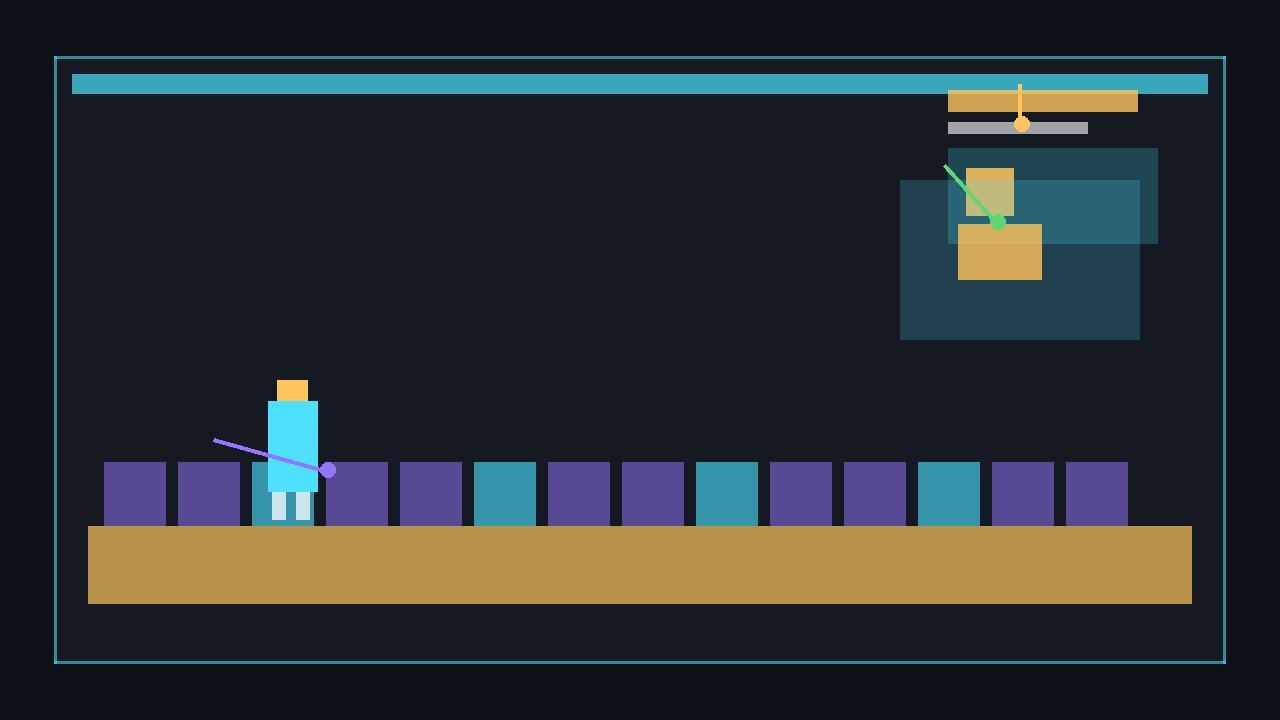
The example below is a full Game1.cs. It draws a green player square and a red enemy square using a generated 1×1 pixel texture, so no image files are needed. The player moves with the arrow keys or WASD. The enemy idles briefly, patrols between two points, and chases when the player comes close.
using Microsoft.Xna.Framework;
using Microsoft.Xna.Framework.Graphics;
using Microsoft.Xna.Framework.Input;

public class Game1 : Game
{
    private GraphicsDeviceManager _graphics;
    private SpriteBatch _spriteBatch;
    private Texture2D _pixel;
    private Enemy _enemy;
    private Vector2 _playerPosition = new Vector2(500, 240);
    private const int PlayerSize = 32;
    private const float PlayerSpeed = 220f;

    public Game1()
    {
        _graphics = new GraphicsDeviceManager(this);
        Content.RootDirectory = "Content";
        IsMouseVisible = true;
    }

    protected override void LoadContent()
    {
        _spriteBatch = new SpriteBatch(GraphicsDevice);
        _pixel = new Texture2D(GraphicsDevice, 1, 1);
        _pixel.SetData(new[] { Color.White });

        _enemy = new Enemy(new Vector2(120, 240));
    }

    protected override void Update(GameTime gameTime)
    {
        KeyboardState keyboard = Keyboard.GetState();
        if (keyboard.IsKeyDown(Keys.Escape))
            Exit();

        float dt = (float)gameTime.ElapsedGameTime.TotalSeconds;
        Vector2 input = Vector2.Zero;

        if (keyboard.IsKeyDown(Keys.Left) || keyboard.IsKeyDown(Keys.A)) input.X -= 1f;
        if (keyboard.IsKeyDown(Keys.Right) || keyboard.IsKeyDown(Keys.D)) input.X += 1f;
        if (keyboard.IsKeyDown(Keys.Up) || keyboard.IsKeyDown(Keys.W)) input.Y -= 1f;
        if (keyboard.IsKeyDown(Keys.Down) || keyboard.IsKeyDown(Keys.S)) input.Y += 1f;

        if (input.LengthSquared() > 0f)
            input.Normalize();

        _playerPosition += input * PlayerSpeed * dt;
        _playerPosition = Vector2.Clamp(_playerPosition, Vector2.Zero, new Vector2(768, 448));

        _enemy.PlayerPosition = _playerPosition;
        _enemy.Update(gameTime);

        base.Update(gameTime);
    }

    protected override void Draw(GameTime gameTime)
    {
        GraphicsDevice.Clear(Color.CornflowerBlue);

        _spriteBatch.Begin();
        _spriteBatch.Draw(_pixel, new Rectangle((int)_playerPosition.X, (int)_playerPosition.Y, PlayerSize, PlayerSize), Color.LimeGreen);
        _enemy.Draw(_spriteBatch, _pixel);
        _spriteBatch.End();

        base.Draw(gameTime);
    }
}

public abstract class State
{
    public virtual void Enter() { }
    public abstract void Update(GameTime gameTime);
    public virtual void Exit() { }
}

public sealed class StateMachine
{
    private State _currentState;

    public void ChangeState(State newState)
    {
        if (newState == null || ReferenceEquals(_currentState, newState))
            return;

        _currentState?.Exit();
        _currentState = newState;
        _currentState.Enter();
    }

    public void Update(GameTime gameTime)
    {
        _currentState?.Update(gameTime);
    }
}

public sealed class Enemy
{
    private const int Size = 34;
    private readonly Vector2 _leftPatrolPoint;
    private readonly Vector2 _rightPatrolPoint;

    public Enemy(Vector2 startPosition)
    {
        Position = startPosition;
        _leftPatrolPoint = startPosition + new Vector2(-90, 0);
        _rightPatrolPoint = startPosition + new Vector2(180, 0);

        StateMachine = new StateMachine();
        IdleState = new IdleState(this);
        PatrolState = new PatrolState(this);
        ChaseState = new ChaseState(this);
        StateMachine.ChangeState(IdleState);
    }

    public Vector2 Position { get; set; }
    public Vector2 Velocity { get; set; }
    public Vector2 PlayerPosition { get; set; }
    public float DistanceToPlayer => Vector2.Distance(Position, PlayerPosition);
    public StateMachine StateMachine { get; }
    public State IdleState { get; }
    public State PatrolState { get; }
    public State ChaseState { get; }

    public void Update(GameTime gameTime)
    {
        StateMachine.Update(gameTime);
    }

    public void MoveTowards(Vector2 target, float speed, float dt)
    {
        Vector2 direction = target - Position;
        if (direction.LengthSquared() > 1f)
        {
            direction.Normalize();
            Position += direction * speed * dt;
        }
    }

    public Vector2 GetPatrolTarget(bool movingRight)
    {
        return movingRight ? _rightPatrolPoint : _leftPatrolPoint;
    }

    public void Draw(SpriteBatch spriteBatch, Texture2D pixel)
    {
        Rectangle rectangle = new Rectangle((int)Position.X, (int)Position.Y, Size, Size);
        spriteBatch.Draw(pixel, rectangle, Color.IndianRed);
    }
}

public sealed class IdleState : State
{
    private readonly Enemy _enemy;
    private float _timer;

    public IdleState(Enemy enemy)
    {
        _enemy = enemy;
    }

    public override void Enter()
    {
        _timer = 0f;
        _enemy.Velocity = Vector2.Zero;
    }

    public override void Update(GameTime gameTime)
    {
        _timer += (float)gameTime.ElapsedGameTime.TotalSeconds;

        if (_enemy.DistanceToPlayer < 180f)
            _enemy.StateMachine.ChangeState(_enemy.ChaseState);
        else if (_timer >= 1f)
            _enemy.StateMachine.ChangeState(_enemy.PatrolState);
    }
}

public sealed class PatrolState : State
{
    private readonly Enemy _enemy;
    private bool _movingRight = true;

    public PatrolState(Enemy enemy)
    {
        _enemy = enemy;
    }

    public override void Update(GameTime gameTime)
    {
        float dt = (float)gameTime.ElapsedGameTime.TotalSeconds;
        Vector2 target = _enemy.GetPatrolTarget(_movingRight);
        _enemy.MoveTowards(target, 85f, dt);

        if (Vector2.Distance(_enemy.Position, target) < 4f)
            _movingRight = !_movingRight;

        if (_enemy.DistanceToPlayer < 180f)
            _enemy.StateMachine.ChangeState(_enemy.ChaseState);
    }
}

public sealed class ChaseState : State
{
    private readonly Enemy _enemy;

    public ChaseState(Enemy enemy)
    {
        _enemy = enemy;
    }

    public override void Update(GameTime gameTime)
    {
        float dt = (float)gameTime.ElapsedGameTime.TotalSeconds;
        _enemy.MoveTowards(_enemy.PlayerPosition, 145f, dt);

        if (_enemy.DistanceToPlayer > 260f)
            _enemy.StateMachine.ChangeState(_enemy.PatrolState);
    }
}
Run the sample, move the player square near the enemy, and watch the transition from patrol to chase. Move away far enough and the enemy returns to patrolling.
dotnet build
dotnet run
⚠️ Caution: The sample deliberately keeps collision, animation, and pathfinding out of the FSM. Add those systems beside the states, not inside one giant state class.
FSMs vs behaviour trees
FSMs are best when an entity has a small, well-defined set of modes and transitions. Behaviour trees are usually better for large AI with layered priorities, reusable decisions, and many interrupting tasks. If you find yourself adding dozens of cross-linked FSM states, pause and consider a behaviour tree or a smaller set of high-level FSM states backed by helper systems.
💡 A practical rule: use an FSM for movement modes, combat phases, menus, and bosses with clear stages. Consider behaviour trees for complex NPC decision-making where many actions compete for priority.
Next steps
🎓 Test Your Knowledge
Check your understanding of the key concepts from this tutorial.
In a Finite State Machine, what is a “transition”?
✔ Correct!
✘ Not quite.
Transitions are triggered by conditions or events and cause the machine to move from one state to another.
What interface or base class should each FSM state implement?
✔ Correct!
✘ Not quite.
A shared interface gives each state a common contract with Enter, Exit, Update, and Draw methods.
What is the purpose of Enter() and Exit() methods on a state?
✔ Correct!
✘ Not quite.
Enter() initialises the state when it becomes active; Exit() cleans up when the machine leaves it.
What advantage does an FSM have over a simple enum + switch?
✔ Correct!
✘ Not quite.
An FSM encapsulates each state's logic in its own class, making it easy to add, modify, or remove states without touching unrelated code.